
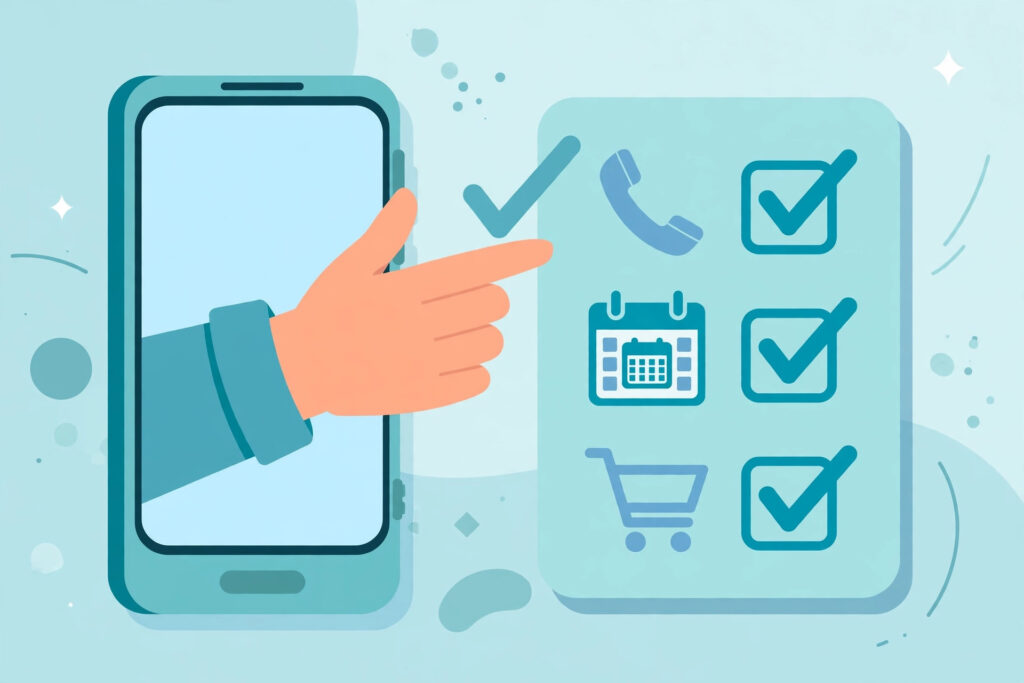

For the last few years, the AI on your phone has mostly been a talker. You asked a question, it gave an answer. You asked for a draft, it wrote a draft. Useful — but the moment anything needed to actually happen in the real world, the work came back to you: you opened the app, you made the call, you filled in the form, you tapped buy. In November 2026 that started to change. A new kind of phone AI, called an agentic AI, does not stop at the answer. It takes the steps after the answer too.
This is the shift behind the latest announcements from Google, Motorola and OPPO, and it is worth understanding clearly, because the marketing words are running ahead of what the technology can honestly do today. This guide explains what an AI agent on a phone actually is, what launched this month, three everyday tasks walked through step by step, the safety design that makes the whole idea acceptable — and the limits nobody should hide from you.
Chatbot vs Agent: The One Difference That Matters
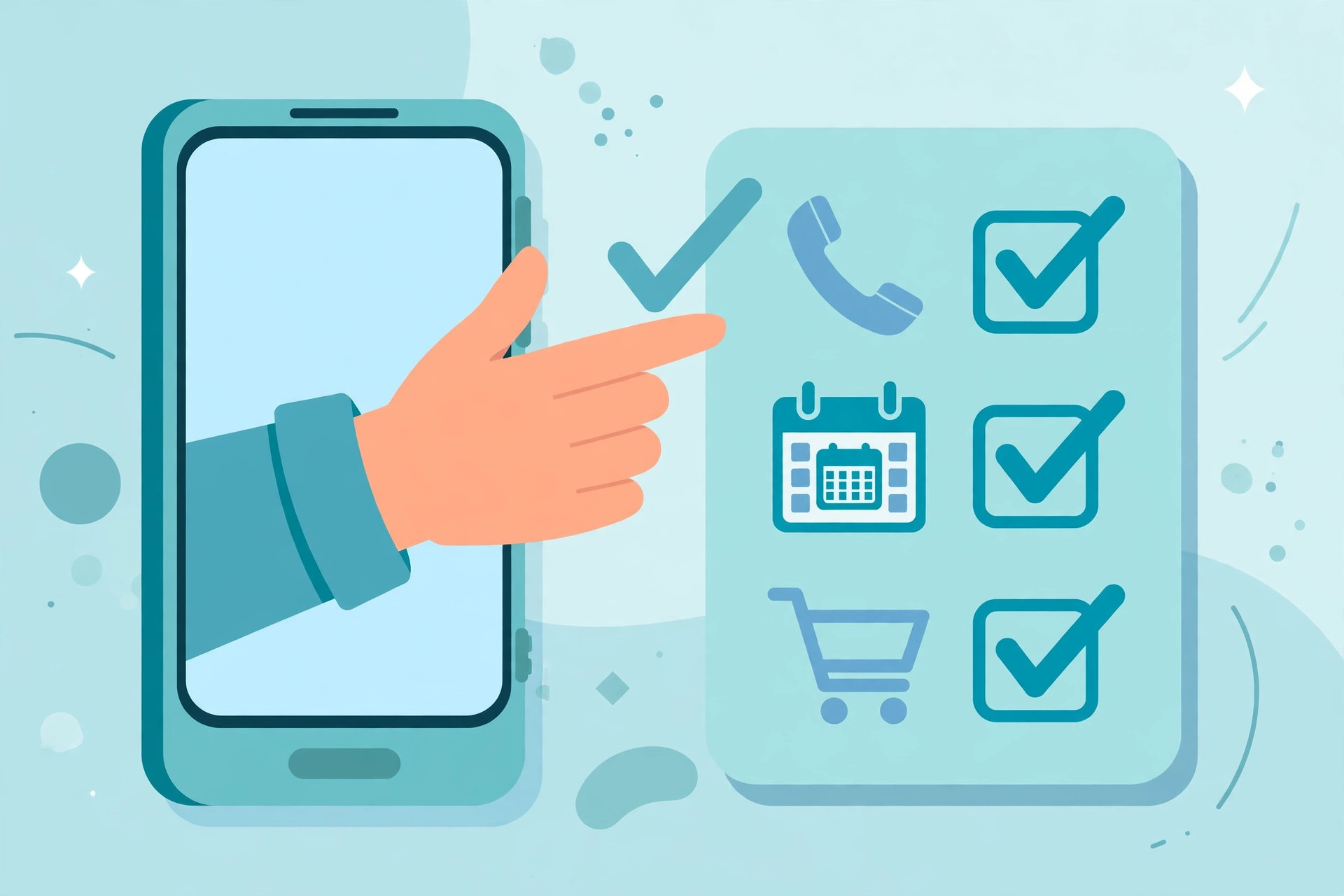
A chatbot responds; an agent acts. If you ask a chatbot to book a table at a restaurant, it will suggest restaurants, maybe show you a phone number, and leave the rest to you. An agent, given the same request, works through the job itself: it finds the restaurant’s number, makes the call, speaks to the person who answers, asks for a table for two at 8 pm on Friday, listens to the reply, and comes back to you with the result — or with a question if Friday is full. The same pattern applies inside the phone: instead of describing how to reorder your usual groceries, the agent opens the shopping app, finds the items and builds the cart. Instead of summarising a notice, it reads the dates and puts them in your calendar. The assistant has moved from the advice desk to the front desk, and that single difference — answering versus doing — is what the word “agentic” means.

What Actually Launched in November 2026
The clearest example is Gemini Tasks from Google. It began rolling out on 17 November 2026, it is free, and it started in the US, Japan, Korea, Canada, Australia and India, with more regions expected to follow in stages. Gemini Tasks is built for exactly the jobs described above: it can call shops and restaurants on your behalf, handle shopping carts, and organise calendars. If you want the practical side of that first, our guide on how to use Gemini Tasks step by step walks through setting it up and giving it its first jobs.
Google is not alone. Motorola’s moto Qira brings a similar agent approach to Motorola phones, handling multi-step tasks across apps instead of leaving you to hop between them yourself. OPPO has taken the same direction with its AI Mind Pilot Agent Mode in ColorOS 17, which is designed to carry out chained tasks — the kind where step two depends on what step one found — rather than single commands. The details and polish differ between brands, but the idea underneath is identical: you describe the outcome you want, and the phone works through the steps to get there, checking back with you at the points that matter.
Why is this happening now? Because the pieces finally fit together. Today’s AI models are good enough to follow a short chain of instructions, phone apps expose enough of their functions for an assistant to use them, and the assistants can now hold a simple spoken conversation well enough to make a real phone call. None of those pieces is magic on its own. Combined, they turn the assistant from a search box with good manners into something closer to a junior helper: fast, tireless, and — as we will see — still in need of supervision.
Three Real Tasks, Walked Through
Task 1: Book a restaurant table by phone call. You tell the assistant: “Book a table for four at our usual Italian place, this Saturday around 7:30 pm.” The agent finds the number, makes the call, and speaks to whoever picks up. If 7:30 is taken, it can accept 8 pm — or, depending on how you set it up, pause and ask you first. When the booking is confirmed, you get a summary: restaurant, time, number of guests, and any reference the restaurant gave. The whole job took you one sentence. Notice what the agent did not do: it did not guess a different restaurant when yours was closed, and it did not agree to a pre-payment or a set menu without checking — those are decision points, not steps.
Task 2: Re-order a regular purchase into a cart. Most households buy the same basics again and again: rice, oil, tea, washing powder, the children’s snacks. With an agent, “reorder the usual monthly shopping” becomes a real instruction. The agent opens your shopping app, pulls up your order history, and rebuilds the cart with the regular items and quantities. Then it stops. The cart sits there for your review — you remove the thing you still have plenty of, add the one-off item you actually need this month, and only then confirm and pay yourself, or approve the payment if you have set the agent up to complete it with your permission. The time saved is real: the boring ten minutes of searching and tapping is gone, while the judgement calls stay with you.
Task 3: Turn a photo of a notice into calendar entries. Schools and clinics still communicate on paper: a photographed notice about exam dates, a vaccination day, a parents’ meeting, a follow-up appointment. Normally that photo sits in your gallery until someone remembers it — or doesn’t. An agent can read the photo, pull out every date and time it contains, and create the matching calendar entries with the details attached: “Parent-teacher meeting, 10 am, Class 5 room” rather than a bare alarm. If a date in the photo is smudged or ambiguous, a well-designed agent flags it instead of guessing. It is a small task, but it is the kind of small task that quietly runs a household, and it is exactly where agents are most convincing today.
The Safety Design: Approval Checkpoints
Letting software act for you raises an obvious question: what stops it from spending your money or sending the wrong message? The answer, in every serious implementation so far, is the approval checkpoint. The agent is allowed to prepare, search, compare and draft on its own — but before anything is paid for, sent, booked with a cost attached, or otherwise hard to undo, it stops and shows you exactly what it is about to do. You see the cart, the total, the recipient, the message. Nothing moves until you confirm. Think of it as the difference between a helper who tidies your desk and one who signs your cheques: the first is welcome, the second is not, and the checkpoint is the line between them.
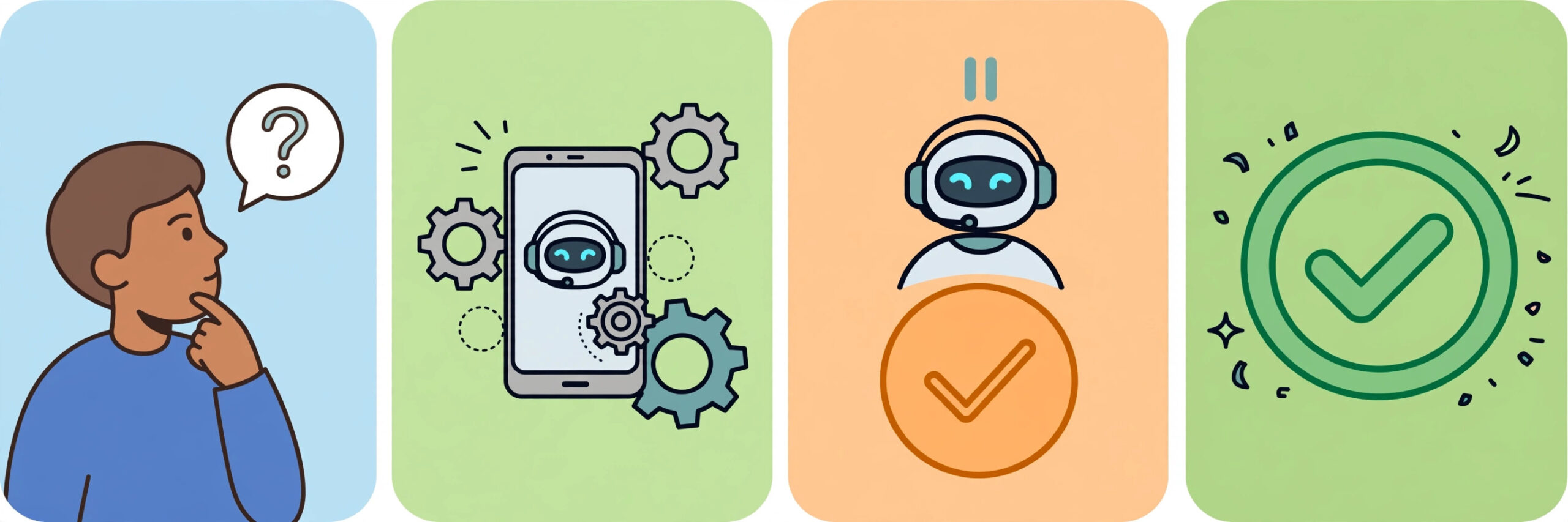
This pattern is not unique to phones. On the ChatGPT side, ChatGPT Wallet, launched on 13 November 2026, applies the same thinking to purchases: a security check runs on every purchase before money moves. Different company, same conclusion — the industry has understood that an agent people cannot supervise is an agent people will not trust. When you try any of these features, look for the checkpoint behaviour first. An agent that asks before spending is behaving correctly; one that seems eager to skip your review deserves your suspicion, not your card details.
The Honest Limits
Now the part the advertisements skip. First, availability is narrow today. Gemini Tasks is rolling out in stages and only in a first group of countries; moto Qira and OPPO’s agent mode are tied to specific phones and software versions. If your region or handset is not on the list yet, that is normal, not a fault with your phone. Second, agents still fail on unusual requests. They handle the routine well — the regular order, the standard booking, the clear date on a clean notice. Ask for something with exceptions, negotiations or unspoken context (“book the place my wife liked last year, but not the noisy one”) and the agent may stall, misread the situation, or complete the wrong version of the job confidently. Third, and most important: always review before anything spends money. Check the cart before it is paid, read the message before it is sent, confirm the booking details before the day arrives. The checkpoint only protects you if you actually look at what it shows you.
None of this makes agentic AI phones a gimmick. It makes them what they honestly are in November 2026: a genuinely new capability at an early, uneven stage. The sensible way to adopt it is the way you would train any new helper — start with small, reversible tasks, watch how it handles them, and give it more responsibility only as it earns your trust. The phones have stopped just answering. What they do next is, for the first time, partly up to them — and the approval button means the final word stays with you.