
Coming up with the video is often the easy part. The hard part is everything around it: the first line that stops someone scrolling, a script that does not wander, a caption that fits the platform, and a title that does not promise something the video never shows.
That is where a good prompt helps. Instead of asking an AI tool for “a script about my topic” and getting something generic, you give it a clear job, clear limits, and the facts from your own video. The prompts below are written for that. Copy one, replace the parts in brackets with your details, and edit the result in your own voice.
There are ten prompts here, covering hooks, scripts, Shorts, captions, thumbnails, titles, and repurposing. If you also use AI for everyday tasks, you might like our companion list of copy-paste AI prompts that save time at work as well.
Before You Start: Give the AI Your Facts First
Every prompt below works better when you start with the same short block of information. Paste this at the top of your chat, then add the prompt you want to use:
My topic: [what the video is actually about]
My audience: [who it is for, in plain words]
What really happens in the video: [3 to 5 true points, steps, or results]
Tone: [friendly, direct, funny, calm — pick one or two]
Length: [how long the video or post is]
1. The Hook Writer — 10 Opening Lines, Ranked by Curiosity
The first few seconds decide whether someone stays or swipes away. Use this prompt to get options, not just one line.
Prompt: “Write 10 different opening lines for a video about [topic] for [audience]. Each line must be under 15 words, based only on these true points: [paste your points]. Rank them from most to least curiosity-building. Do not use words like ‘shocking’, ‘secret’, or ‘you won’t believe’ unless the video truly proves them. After the list, tell me which line is the safest honest choice and why.”
Read the lines out loud. Pick the one you can say naturally, and check it against the video: if a viewer feels tricked in the first minute, they will leave.
2. The Script Outliner
A good outline stops a video from repeating itself. This prompt builds the structure before anyone writes full sentences.
Prompt: “Turn this topic into a simple video outline: [topic]. Use only these points: [paste your points]. Structure it as: 1) Hook, 2) Quick promise of what the viewer will learn, 3) Main points in a logical order, 4) One common mistake to warn about, 5) Short recap, 6) One clear call to action. Keep each section to one or two bullet points. Do not add facts I did not give you — if something is missing, write [NEEDS MY INPUT] instead.”
Where it marks a gap, you fill it with your own experience — exactly the part viewers came for.
3. The “Say It Simpler” Pass
Scripts often come back sounding like a textbook. Run your draft through this second pass before you record.
Prompt: “Rewrite this script draft in simpler, spoken English: [paste draft]. Keep every fact exactly the same. Use short sentences. Replace difficult words with everyday words. Read it as if talking to a smart friend who knows nothing about this topic. Do not add new claims, numbers, or examples. Keep it about the same length.”
- Record a test take after this pass — simpler lines are easier to say without stumbling.
- If a sentence still feels long, ask for that one sentence to be split into two.
- Keep any words you would never say in real life out of the final version.
4. Long Video to 3 Shorts or Reels Cut-Points
One long video can often give you several short ones, but only if you cut at moments that make sense on their own. Do not just cut the first 60 seconds.
Prompt: “Here is the transcript of my long video: [paste transcript]. Suggest 3 separate moments that could work as standalone Shorts or Reels. For each one, give me: the start and end line from the transcript, a one-line hook to open it, and why it makes sense without the rest of the video. Each clip must contain one complete idea. Do not suggest a clip that ends in the middle of an explanation.”
Check each suggestion in the actual video before you publish. A moment that reads well in a transcript sometimes needs the visual from a few seconds earlier.

5. Caption and Hashtag Set, Per Platform
The same caption does not work everywhere. A caption that fits YouTube will feel too long on a short-form feed, and hashtags that help in one place can look like clutter in another. Ask for each platform separately.
Prompt: “Write captions for this video: [topic and true points]. Give me three versions: 1) YouTube — 2 to 3 short paragraphs, first line explains the benefit, end with one question for comments. 2) Instagram Reels — short, friendly, line breaks, no more than 5 relevant hashtags at the end. 3) TikTok — very short, conversational, 3 to 4 relevant hashtags only. Use only hashtags that directly match the topic. Do not add trending hashtags that are unrelated to this video.”
Relevant beats popular here. Hashtags that match your real subject bring fewer, better viewers than a huge unrelated trend.
6. A Second Caption Prompt for When You Are Stuck
Sometimes the first caption is fine but boring. Use this for fresh angles on the same video.
Prompt: “Give me 5 different caption angles for the same video about [topic]: one helpful tip angle, one mistake angle, one question angle, one personal story angle based only on this true detail from me: [your detail], and one simple summary angle. Keep each caption under 40 words. Do not invent a story I did not give you.”
7. Thumbnail Text — 3 Words Max
Thumbnail text is not a title. It has one job: add curiosity that the title and image do not already give. Long text on a thumbnail is unreadable on a phone.
Prompt: “Suggest 10 options for thumbnail text for a video titled [your title] about [topic]. Each option must be 3 words or fewer. The text must not repeat the title. It must be true to what happens in the video: [paste true points]. Avoid all-caps hype words like ‘INSANE’ or ‘CRAZY’ unless the video truly shows that. Group the options into: clear, curious, and bold.”
- Test readability: shrink your thumbnail draft to phone size and check you can read it in one glance.
- Pick text that still makes sense if someone never reads the title.
- If none of the 10 feel honest, say so in the chat and give the AI the strongest true moment from the video to work from.
8. Title A/B — 10 Titles, No Clickbait the Video Cannot Deliver
Titles are where honesty matters most. A title is a promise. This prompt is built to keep that promise.
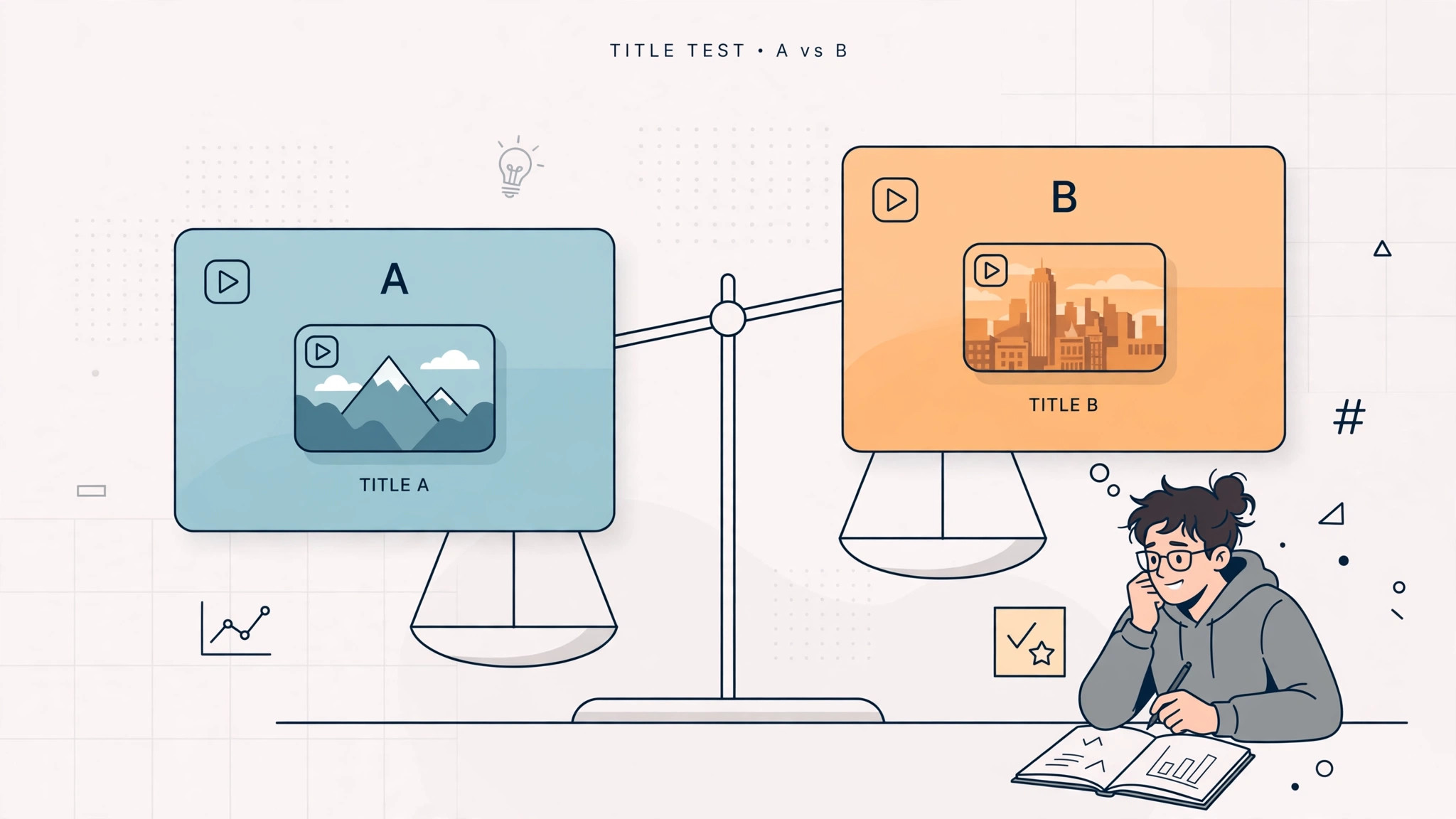
Prompt: “Write 10 title options for a video about [topic] for [audience]. The video delivers exactly this: [paste true points]. Rules: no title may promise a result, number, or reveal that is not in my points. No ‘ultimate’, ‘best ever’, or ‘guaranteed’ unless I gave you proof. Make 4 titles clear and direct, 3 titles question-based, and 3 titles curiosity-based. After the list, flag any title you think is borderline and explain why.”
Use the two best titles as your A/B pair if your platform offers title testing, or ask a friend which one they would click — and what they expect the video to show. If their expectation does not match your video, the title is wrong.
9. Repurpose — One Video Into a Blog Intro, Community Post, and Newsletter Blurb
You already did the hard work making the video. This prompt stretches that work into three more places without starting from zero.
Prompt: “Using only this video transcript: [paste transcript], write three things. 1) A blog intro of 100 to 120 words that ends by inviting the reader to watch the video. 2) A short community post with one question my audience can answer in the comments. 3) A newsletter blurb of 50 words or fewer with one clear reason to click. Keep my wording and facts. Do not add new tips or claims that are not in the transcript.”
Edit each version separately: a blog intro can be more detailed, a community post should feel like a conversation, and a newsletter blurb should be shortest and clearest.
10. The Final Honesty Check
Run this last prompt over everything the AI gave you — hooks, titles, captions, and thumbnail text — before you publish anything.
Prompt: “Here is my title, hook, caption, and thumbnail text: [paste them]. And here is what my video actually delivers: [paste true points]. Check each item line by line. Tell me: does it promise anything the video does not deliver? Does it use a number I did not prove? Does it hide an important limit? Answer with a simple list: OK, or FIX — and for every FIX, suggest a more honest version that is still interesting.”
This takes two minutes and prevents a common mistake: overselling a perfectly good video.
A Simple Workflow That Ties It All Together
- Start with your facts block — topic, audience, and what really happens.
- Get the outline first, then the hook, then write or record.
- Use the simpler pass before recording, not after.
- After publishing the long video, run the Shorts, caption, and repurpose prompts.
- Finish with the honesty check on the title, hook, and thumbnail together.
You do not need all ten for every video. Many creators use just three most weeks — hook writer, title prompt, and repurpose prompt.
Honest Note: AI Drafts, the Creator Decides
None of these prompts make a video good on their own. They make the drafting faster: more hook options to choose from, a cleaner outline, captions you do not have to stare at for twenty minutes. The decisions still belong to you.
Hooks and titles must match what the video actually delivers. If the AI suggests a line that sounds exciting but is not quite true, cut it — a viewer who feels misled will not trust the next video, and trust is the whole business of being a creator. Your experience, your examples, and your voice are also the parts no prompt can supply. Add them in, read everything aloud once, and publish the version you would be happy for a new viewer to judge you by.
Start with one prompt on your next video — the hook writer is the easiest win.