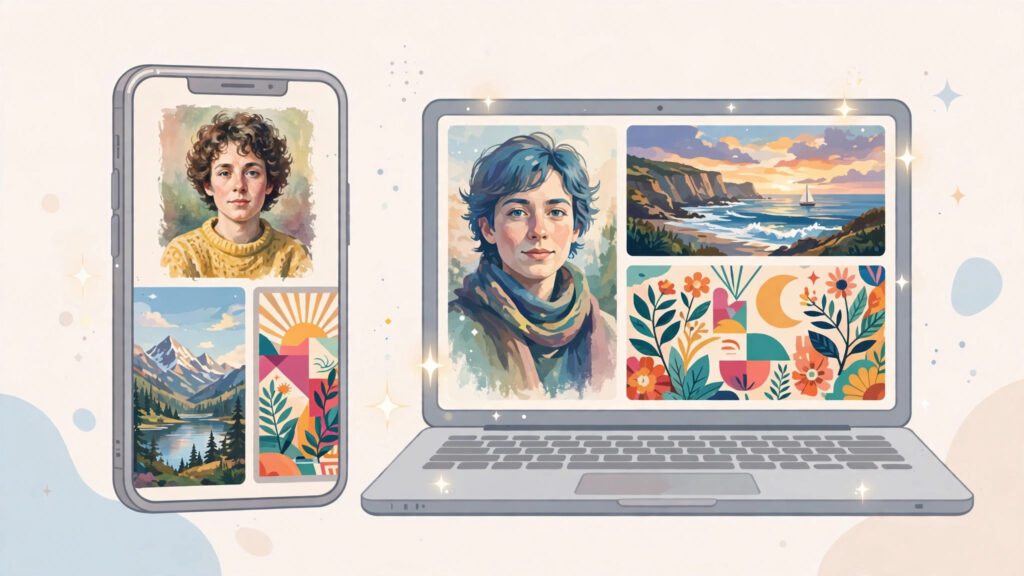

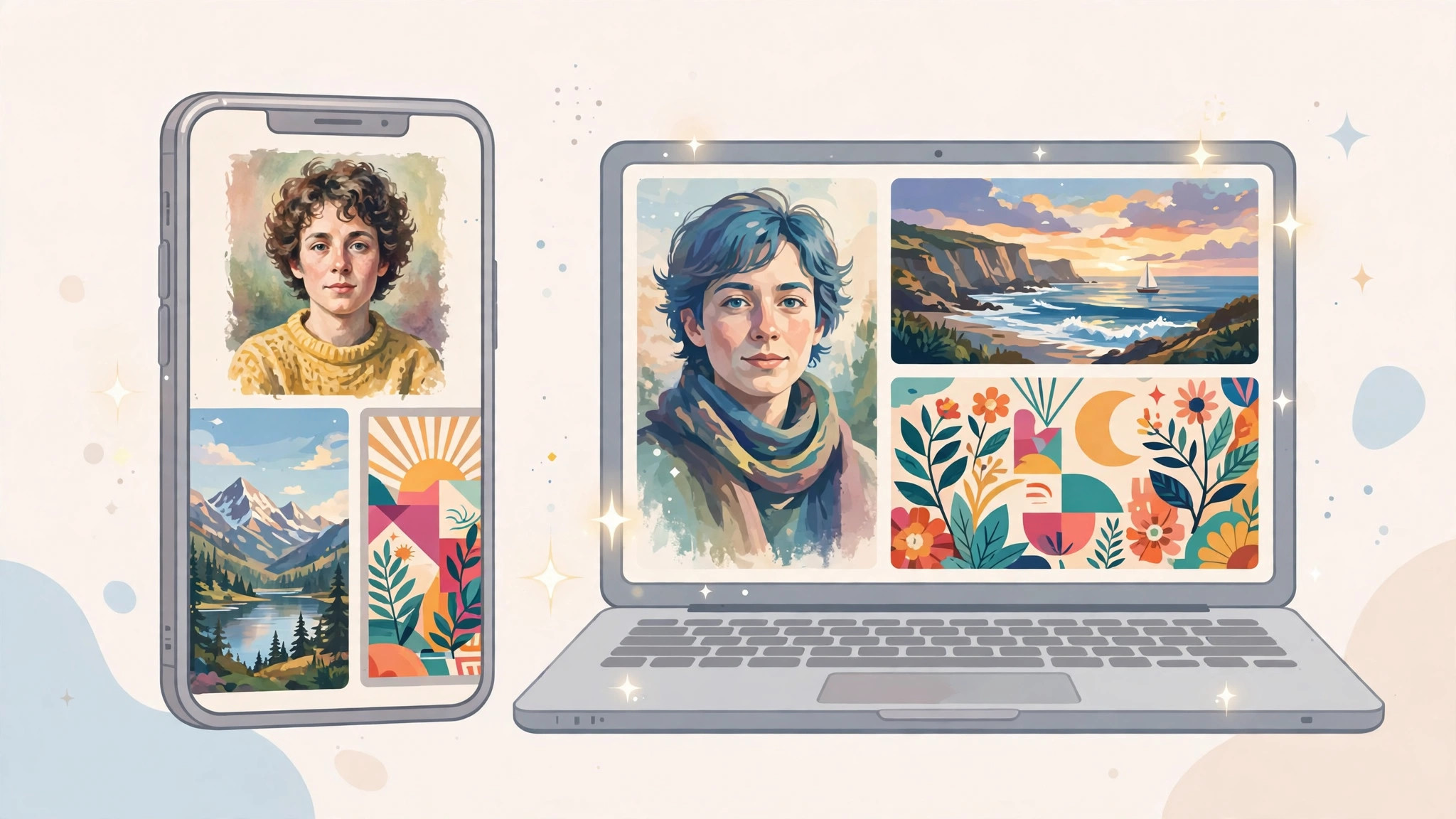
Most AI images look wrong for a simple reason: the prompt was too vague. Type something short like “a nice product photo” and the tool must guess almost everything, so the result rarely matches what you had in mind. The good news is you do not need to be an artist to fix this. You just need a clearer prompt — and a few ready-made ones you can copy and adjust.
This post gives you both: the simple parts every working prompt needs, then 20 copy-paste prompts for common jobs, from portrait cleanup to sale posters and thumbnail backgrounds. Replace the words in [square brackets] with your own details, and keep the rest.
What’s New in AI Image Tools
ChatGPT Images 2.6, announced on 4 November 2026, is about 50% faster than before. More importantly, it keeps people and product details more consistent across edits, so a face, product shape, or colour is less likely to change each time you edit.
It also added GIF creation, and it lets you save reference images you can recall later with an @name — save a photo once, then refer to it by name instead of uploading it again. We will use that idea below.
Gemini’s image tools are the main alternative. The formula and prompts below are in plain language, so you can try the same prompt in either tool and compare. Features and commercial-use terms differ per tool, so check the terms of the tool you use.
The Anatomy of an Image Prompt That Works
A working image prompt has five parts. Cover each one so the tool does not have to guess.
- Subject: The main thing in the image — a person, product, room, or plate of food.
- Setting: Where it is — a white studio background, busy street, or bright kitchen.
- Light: Soft daylight, warm evening light, or bright, even studio light.
- Lens and style words: How it should look — a close-up photo, flat illustration, or clean infographic.
- Aspect ratio: The shape you need — square for social posts, wide for a thumbnail, vertical for a story.
A Broken Prompt, Fixed Live
Here is a weak prompt: “Make a poster for my shoe sale.” The tool must guess the shoe type, colours, background, mood, and shape. The result could be anything.
Here is the same idea, fixed: “Create a vertical sale poster for [red running shoes] on a [bright yellow] background, shoes in the centre at a slight angle, soft studio light with a clear shadow underneath, bold modern advertising photo style, empty space at the top for text, vertical 4:5 aspect ratio.” That simply answers the five questions above: subject, setting, light, style, and shape. Every prompt below follows the same pattern.
20 Copy-Paste Prompts by Job
Copy each prompt, then change the parts in [square brackets]. If a result is close but not right, change one thing at a time — background, light, or style — instead of rewriting the whole prompt.
1. Profile or portrait photo cleanup: “Clean up this portrait photo of [a person in a blue shirt]: keep the same face and expression, remove distractions from the background, use a plain [light grey] background, soft even light on the face, natural skin tones, professional headshot photo style, square aspect ratio.”
2. Product shot on a clean background: “Show [a handmade scented candle in a glass jar] in the centre on a clean white background, soft studio light, one gentle shadow underneath, colours accurate and natural, sharp close-up product photo style, square aspect ratio, no text and no extra objects.”
3. Sale poster: “Create a bold sale poster for [a clothing store]: [three folded colourful shirts] arranged neatly in the centre, [bright red] background, strong studio light, modern advertising photo style, large empty space at the top and bottom for offer text, vertical 4:5 aspect ratio.”
4. YouTube thumbnail background: “Create a wide thumbnail background about [cooking on a budget]: a bright kitchen counter with [fresh vegetables and a frying pan], warm daylight from a window, vivid colours, high contrast, photo style with empty space on the left side for a face or text, wide 16:9 aspect ratio.”
5. Festival greeting card: “Create a warm festival greeting card for [Eid / Diwali / Christmas — pick one]: a happy family scene with [lanterns / lamps / a decorated tree], soft golden evening light, rich colours, gentle illustrated style, empty space at the bottom for a greeting message, square aspect ratio.”
6. Restaurant menu photo style: “Show [a plate of grilled chicken with rice and salad] on a dark wooden table, viewed from a 45-degree angle, warm restaurant light, steam rising gently, appetising close-up food photo style, background softly blurred, square aspect ratio, no text.”
7. Real-estate room brightening: “Brighten this photo of [a small living room]: keep the same furniture and layout, add soft daylight from the windows, make the walls look clean and [warm white], wide-angle interior photo style, realistic and natural, wide 16:9 aspect ratio.”
8. Logo concept sketch: “Sketch three simple logo concepts for [a coffee shop called Bean Corner]: a coffee cup shape combined with [a leaf], flat black-and-white line style, minimal and clean, presented side by side on a white background, no shading, square aspect ratio.”
9. Infographic-style explainer visual: “Create a simple infographic-style illustration explaining [how plants grow]: show [a seed, a sprout, and a full plant] in a row with arrows between them, flat vector style, soft green and brown colours, clean white background, wide 16:9 aspect ratio, leave space beside each stage for short labels.”
10. Story-format vertical poster: “Create a vertical poster for [a weekend baking class]: [hands kneading dough] on a flour-dusted table, bright morning light, warm and friendly photo style, empty space at the top for a headline, vertical 9:16 story aspect ratio.”
11. Blog header illustration: “Create a wide header illustration for a blog post about [saving money]: a simple scene of [a piggy bank, coins, and a notebook] on a desk, soft daylight, flat modern illustration style, calm colours, wide 16:9 aspect ratio, no text.”
12. LinkedIn or social banner: “Create a wide professional banner for [a freelance designer]: a tidy desk with [a laptop, sketchbook, and coffee cup] seen from above, soft even light, clean modern photo style, muted colours with space on the right for a name, wide aspect ratio.”
13. Birthday invitation card: “Create a cheerful birthday invitation card for [a 7-year-old]: [colourful balloons and a cake with candles] in a bright garden setting, sunny daylight, playful illustrated style, empty space in the middle for party details, vertical 4:5 aspect ratio.”
14. Book cover concept: “Design a book cover concept for a mystery novel set in [a rainy coastal town]: [a lone figure with an umbrella on a pier], moody evening light, cinematic photo style, dark blue and grey colours, empty space at the top for the title, vertical aspect ratio.”
15. Travel poster: “Create a retro travel poster for [a mountain town]: [snow-topped peaks above a small lake and pine trees], golden morning light, flat vintage poster illustration style, limited colours, empty space at the top for the place name, vertical aspect ratio.”
16. Fashion lookbook shot: “Show [a model wearing a summer linen outfit] standing against a plain [terracotta] wall, soft afternoon sunlight, natural colours, editorial fashion photo style, full-body framing with space around the subject, vertical 4:5 aspect ratio.”
17. Pet portrait: “Create a charming portrait of [a tabby cat] sitting on [a windowsill with plants], soft daylight, fur details clear and natural, warm photo style with a gently blurred background, square aspect ratio, no text.”
18. Classroom or training poster: “Create a friendly classroom poster about [washing hands properly]: simple step-by-step scenes of [hands under a tap with soap bubbles], bright even light, flat cartoon illustration style suitable for children, clean white background, vertical aspect ratio, leave space under each step for a short caption.”
19. App promo visual concept: “Create a clean promo visual concept for [a language-learning app]: a smartphone shape in the centre surrounded by [speech bubbles with simple greetings in different scripts], bright studio light, flat modern illustration style, brand colours [green and white], square aspect ratio.”
20. Wedding invitation card: “Create an elegant wedding invitation card design: a border of [white roses and soft green leaves] around an empty centre, soft natural light, delicate watercolour illustration style, cream background, vertical 4:5 aspect ratio, leave the centre completely blank for names and details.”
The Consistency Trick: One Reference Photo, Reused
The hardest part of making a set of images — a week of social posts for the same product, for example — is keeping the main subject looking the same. Colours shift, shapes change, and a person can end up looking like someone else.
With ChatGPT Images 2.6, you can save a reference image and recall it later with an @name. Save one clear photo of your product or one clear portrait, give it a simple name, and mention that @name in every new prompt: “Show @myproduct on a beach background at sunset,” then “Show @myproduct on a kitchen table with morning light.” Starting from the same reference each time keeps the product or character recognisable across the set.
For a step-by-step walkthrough, read our guide on how to use ChatGPT Images 2.6 with a reference photo. Start with a clear reference image — plain background, good light, subject fully visible — because every later image depends on it.
Honest Limits to Keep in Mind
These tools are useful, but not perfect, and a little checking saves embarrassment later.
- Hands and text still go wrong sometimes. Fingers can come out odd, and words inside an image can be misspelled or jumbled.
- Check any text in the image before posting. Read every word on a poster, card, or thumbnail carefully. If the text is wrong, it is often easier to generate the image with empty space and add the text yourself in a design app.
- Commercial-use terms differ per tool. What you may use for a business poster or product listing depends on the tool and the plan you are on, so read the current terms before selling or advertising with an image.
- Small details can still change. Even with a reference image, check logos, patterns, and product details in every result before you publish it.
Your Quick Start
Pick one job you need this week — a product photo, a thumbnail, a greeting card. Copy the matching prompt, replace the bracketed words, and generate. If the result is not right, adjust one detail at a time. Save your best subject as a reference image so your next post stays consistent. That loop is what makes AI image prompts actually work.