
Quick answer
For live sports, resolution is the least interesting number on the box. What you actually notice during a match is motion handling (does the ball stay sharp when it moves fast?), brightness (can you still see the picture in a bright room?), viewing angle (does the picture wash out for the people sitting at the sides?), and size (is the screen big enough from your sofa?). Get those four right and almost any modern 4K TV will look good on match day. Get them wrong and even a high-resolution screen will frustrate you.
This guide explains what to check, in plain language, before you buy for the 2027 season. It does not name a single “best” model, because the right TV depends on your room, your viewing distance, and your budget — and because models and prices change through the year. Use it as a checklist, then compare current models against it.
Motion: the ball test
Refresh rate and motion handling
Live sports are fast. A football, a cricket ball, or a hockey puck crosses the screen in a fraction of a second, and a TV that cannot keep up will show blur or judder — that slight stutter you notice on camera pans across a crowd.
Look for a native refresh rate of 120Hz if your budget allows it; it gives the TV more frames to work with and usually means smoother motion. Be careful with marketing numbers: some brands advertise much higher “motion rates” that are not the panel’s real refresh rate. Check the panel’s native refresh rate in the specifications, not the headline number on the box.
Motion smoothing settings are a personal choice. Some people like the extra-smooth look, others find it makes sport look unnatural, like a video game. Whatever TV you buy, try a match with motion smoothing on and off before you decide — and remember you can change it per input or per app.
Brightness and your room
Bright rooms need bright screens
A TV that looks stunning in a dark showroom can look washed out in a bright living room, especially during a daytime match. If your room has large windows or you watch mostly in daylight, brightness matters more than deep blacks. Look at peak brightness figures in independent reviews, and pay attention to how the screen handles reflections — a glossy screen in a bright room will show your windows more than the match.
If you mostly watch in the evening with the lights low, you can put less weight on brightness and more on contrast and colour. There is no single right answer here; the right answer is the one that matches your room.
Size and viewing distance
Bigger is usually better for sport — up to a point
Sport is one of the few things where a bigger screen genuinely helps: you can follow play, read the score bug, and see the whole pitch without leaning forward. As a rough guide, for a sofa about 2.5 to 3 metres from the screen, a 55-inch TV is a good starting point and 65 inches is often better for sport, if your room and budget allow it. Sit closer than that and you can go smaller; sit further away and you will want larger.
Measure your actual viewing distance before you shop, and check the TV’s real dimensions including the stand — a screen that fits the wall but blocks a walkway is not a good buy. And if you are wall-mounting, check the mount’s weight rating and the TV’s mounting pattern before you order either one.
Viewing angle: who sits where?
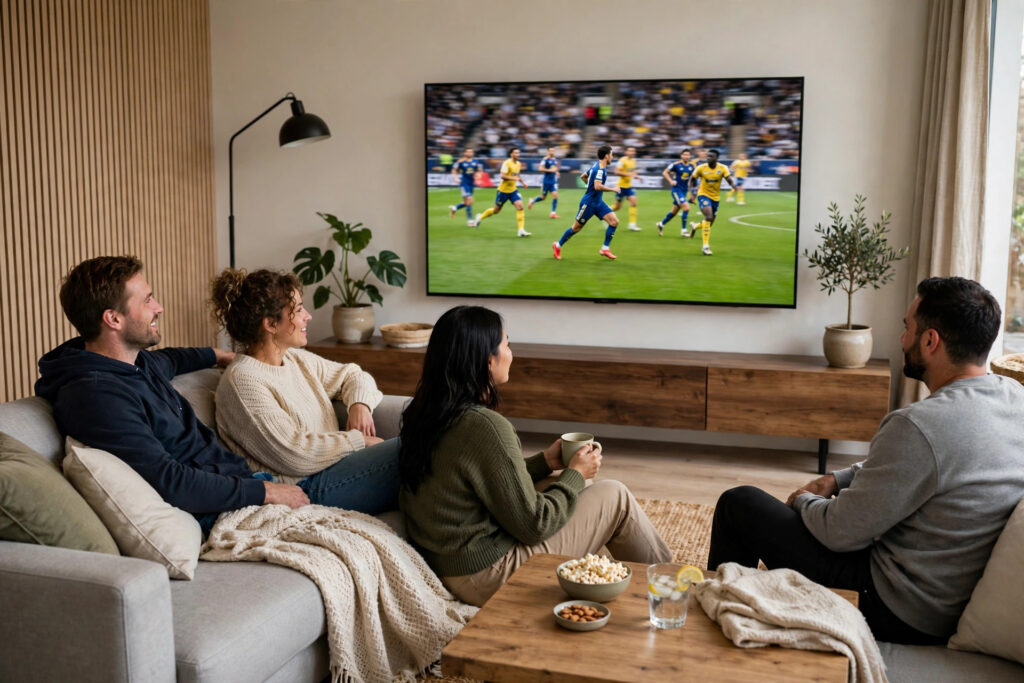
If you usually watch alone, straight in front of the screen, viewing angle barely matters. If match day means friends and family spread across a sofa and side chairs, it matters a lot. Some panel types keep their colour and contrast well from the side; others wash out quickly when you are not centred.
This is worth checking in person if you can: stand at the angle your side seats would be, and see whether the picture still looks right. If you buy online, look for viewing-angle measurements in independent reviews rather than trusting the manufacturer’s description.
Sound: the part people forget
TV speakers have got thinner along with TVs, and most built-in speakers are adequate at best for a noisy match atmosphere. You do not need an expensive system to improve things — a decent soundbar is often the single biggest upgrade after the screen itself, and it helps with commentary clarity as much as crowd noise. If your budget is tight, it is often smarter to buy a slightly cheaper TV and a soundbar than to spend everything on the screen alone.
Check what audio outputs the TV has and whether it supports the soundbar connection you plan to use, so you are not caught out after delivery.
Smart platform and sports apps
Before you buy, check that the TV’s smart platform actually carries the sports apps you use — and that they are available in your country. A TV can be excellent hardware and still miss the one app your league streams on, leaving you to add a streaming stick anyway. Also check how often the manufacturer updates its older models, because a smart platform that stops getting updates will feel old long before the screen does.
If you already use a streaming device you like, this matters less — but it is still worth checking, because the built-in apps are what guests and family will reach for first.
What not to overpay for
A few things sound impressive but matter less for live sports: extreme resolution beyond 4K at normal viewing distances, picture modes designed for films that you will turn off for sport anyway, and smart features you will never open. Spend your money on motion, brightness, size, and viewing angle first. If money is left over, then look at the extras.
Also be wary of paying a large premium for a feature you cannot test in the shop. If a feature matters to you, find a review that measures it — not just one that repeats the manufacturer’s claim.
FAQ
Is 120Hz really necessary for sports?
Not strictly necessary — many people enjoy sport perfectly well on a 60Hz TV — but it does help with fast motion and camera pans, and it is worth paying for if the price difference is reasonable for you. If the choice is between 120Hz and a larger screen, the larger screen usually matters more for sport.
Does screen size matter more than brand?
For sport, size and panel quality matter more than the logo on the frame. Two TVs from different brands with similar motion, brightness, and size will look far more alike than two TVs of very different sizes from the same brand. Compare specifications and independent measurements, not just brand names.
Should I wait for a sale?
Sports seasons are predictable, so sales often line up with major tournaments and holiday periods. If your current TV still works, waiting for a sale can save real money — but do not wait so long that you miss the season you bought it for. Set a budget, pick your shortlist, and buy when the price hits your number.
Further reading
For a general buying guide, our Best 4K TV buying guide covers budgets, sizes, and trade-offs in more detail, and our guide to using a VPN on a smart TV explains the setup side of streaming safely. For independent TV measurements, TV review sites like RTINGS publish detailed motion, brightness, and viewing-angle results that are worth checking before you buy. On this site, our broader AI tools guide is a useful reminder that the best buying decision still comes from comparing real measurements — not from the loudest claim on the box.