
Advanced 4 This Updated Android Switching to a privacy-focused, Google-free smartphone experience has historically been a massive headache. While the idea of escaping big tech tracking sounds great on paper, the actual process of migrating your files, emails, and calendar entries has kept thousands of users trapped in mainstream ecosystems.
However, the game has officially changed. With the latest release of /e/OS 4.0 by Murena, this highly advanced Android fork makes it even easier to completely ditch Google without losing your digital life.
If you’ve been waiting for a sign to reclaim your digital privacy, this updated operating system might just be your perfect gateway.
1. What is /e/OS? A Quick Refresher
For the uninitiated, /e/OS is a fully unGoogled, open-source Android fork designed with a core focus on user data privacy. Unlike standard Android, it does not send your location, app data, or search history to Google servers.
Instead of traditional Google Play Services, it utilizes custom privacy alternatives to ensure your favorite applications still run smoothly without tracking your every move.
2. The Game-Changer: “One-Click” Gmail Migration
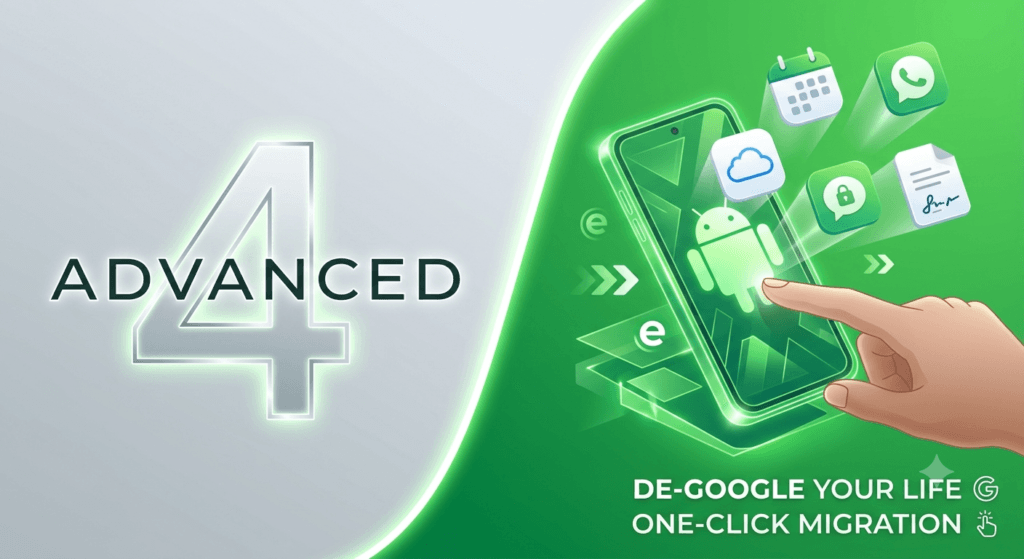
The biggest barrier to entry for custom Android ROMs has always been the data transfer process. In version 4.0, Murena tackles this head-on with an upgraded Gmail Migration Assistant.
- Effortless Data Sync: You can now migrate your Gmail messages, contacts, calendars, and Google Drive files directly into the secure Murena cloud ecosystem with a single click.
- Smart Inbox Scanning: The built-in assistant goes a step further by scanning your old inbox to identify which subscriptions, banks, and online services are tied to your old Gmail address. It then guides you step-by-step to update your email on those third-party sites.
- Automatic Email Forwarding: To ensure you don’t miss anything, it sets up automated forwarding from your old Google account to your new secure email handle seamlessly.
3. Native Cloud Backups Made Simple
Losing your phone used to mean losing your data unless you backed it up to Google One or iCloud. The updated fork solves this issue natively with Murena Backup.
This integrated, secure cloud service backs up your installed applications, system settings, media, account profiles, and calendars. If you switch to a new de-Googled phone down the line, restoring your entire digital layout takes just a few moments.
4. Replacing Google Meet & DocuSign with Open Alternatives
The update doesn’t just stop at the core OS; it introduces powerful productivity tools built directly into the Workspace suite:
Murena Meet
A full-fledged alternative to Google Meet or Zoom. It runs entirely on secure private infrastructure and includes modern necessities like native screen sharing, meeting scheduling, and encrypted video streaming.
Murena Sign
Say goodbye to expensive third-party document signing platforms. This new tool allows you to sign legal PDFs, Word documents, and open-office files directly within your phone’s native interface without trusting external servers with sensitive information.
5. Hardware Compatibility: Ready for the Mass Market
You don’t need to be a coding genius to use this updated Android fork. Murena has teamed up with hardware brands like Gigaset to launch the GS6 and GS6 Pro out of the box running /e/OS 4.0.
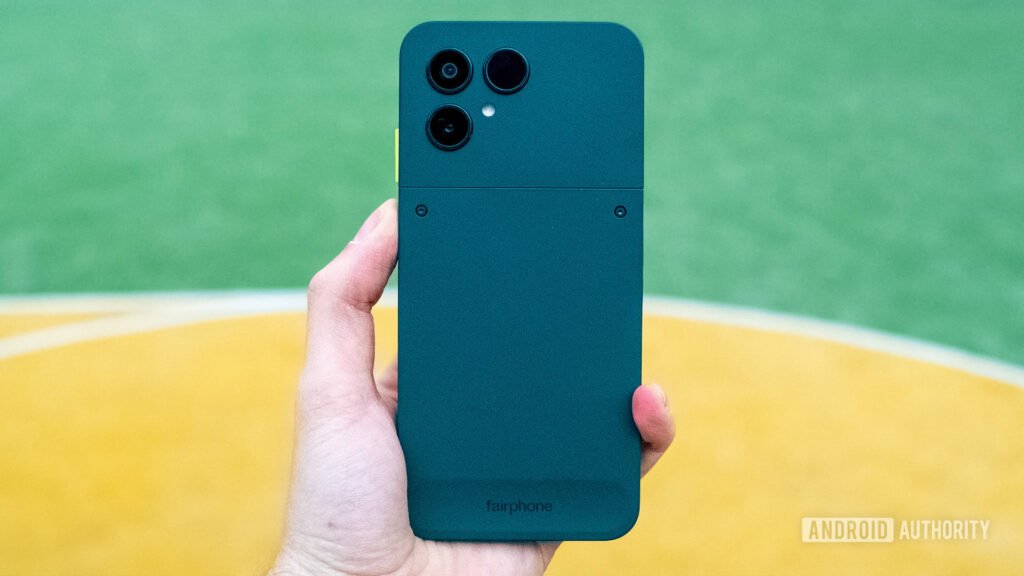
With robust mid-range specs like a MediaTek Dimensity 7300 chip, 120Hz OLED screen, and a removable 5,300mAh battery, getting an open-source phone has never been simpler. Additionally, the OS widely supports existing privacy-centric hardware like the Fairphone series.
Frequently Asked Questions
A: The updated Android fork makes it even easier for users to navigate and utilize its features.
A: An Android fork is a customized version of the Android operating system, modified by a third-party developer to offer distinct features, functionalities, or user experiences that differ from the standard Android OS.
A: The article does not provide a direct comparison, but it suggests that the updated Android fork is an alternative option with advanced features, similar to other customized Android systems like Tcl TVs and GMKtec mini PCs.
A: The article does not specify the hardware requirements for the updated Android fork, but it implies that the fork is designed to be compatible with certain devices, possibly with specific configurations or enhancements.
A: The updated Android fork likely offers enhanced features, improved performance, or a more tailored user experience, making it an attractive option for users seeking a more advanced or customized Android experience.